
How to Apply, Delete, Update Registration Code / License
Steps
-
From the Titan Administrator Navigate to “Home” using the option on the left side of the UI
-
Click on “Product Info”
-
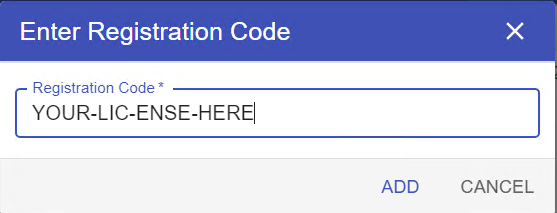
Click on 'Add License' and enter the registration code when prompted
To Activate or Deactivated License:
-
Click the Shield icon next to the license in the list. This will toggle the activation status

To Remove or Delete a License:
-
Click the trash bin icon on the left of the license in the list
Applies to all Titan products