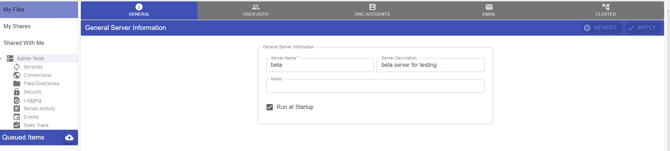
You have the option in Titan to add additional user roles to a Titan user and grant them administrative roles for the server level, groups level and user level.
Steps
- Login to the admin portal and navigate to Users, click to edit the user and select “Edit User & Assigned Groups”.
- Expand the “Additional User Roles” dropdown and select the user role required.
- Click on Next and continue the wizard until you click on Finish.
- Login to the End User WEBUI(Not the admin portal) with the user credentials.
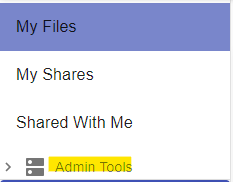
- Click on “Admin Tools” to expand on the left-hand side.