
Steps
- Navigate to Advanced tab under Connections and scroll to the bottom.
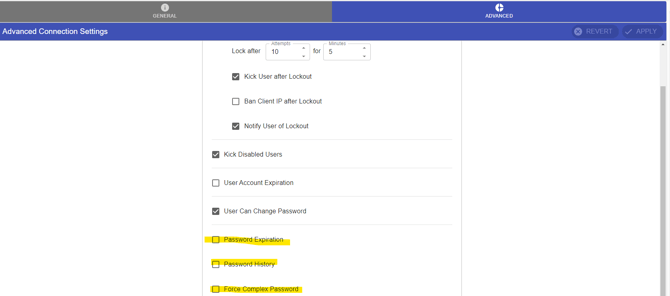
- If you enable “Password Expiration” you will be able to set an interval in days in which the users password will expire.
- If you enable “Password History” you will be able to set the password retention to configure how many passwords users must go through before being able to reuse a previous password.
- If you enable “Force Complex Password” you will be able to configure different requirements a password must contain in order to be acceptable.
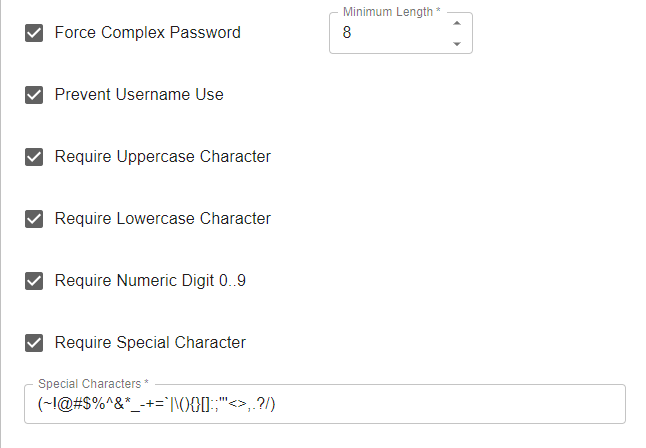
After making any changes, click on Apply.