
Steps
- Navigate to Events and click on the “+” icon on the top right.
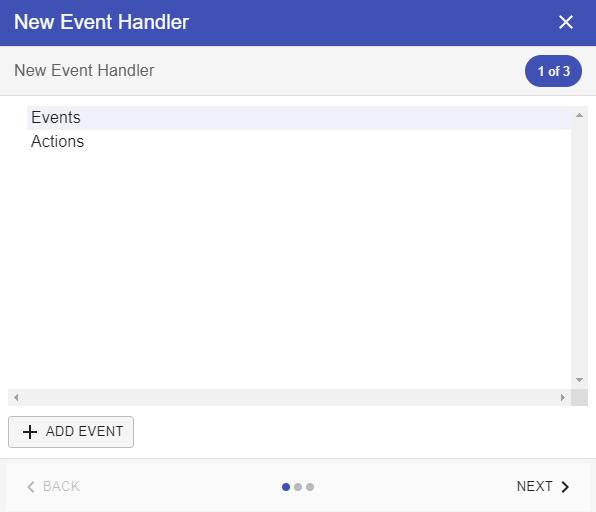
- Select Events and click on “Add Events” button.
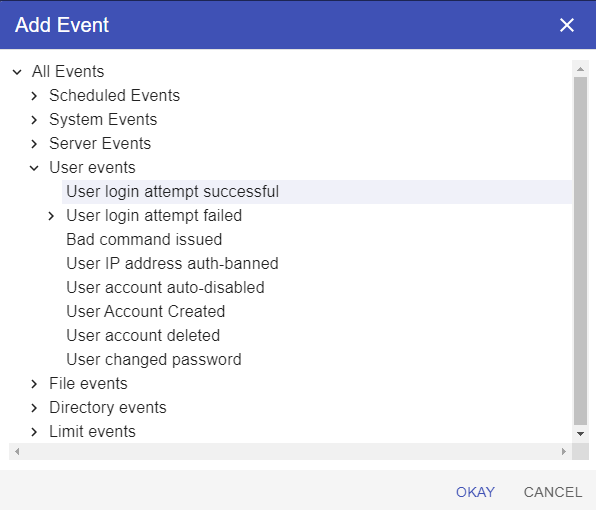
Expand User Events and select “User login attempt successful” and click on Okay button.
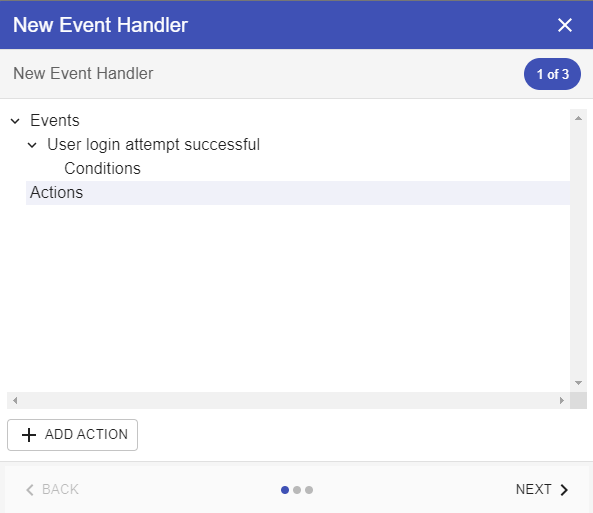
Select Actions and click on Add Action button.
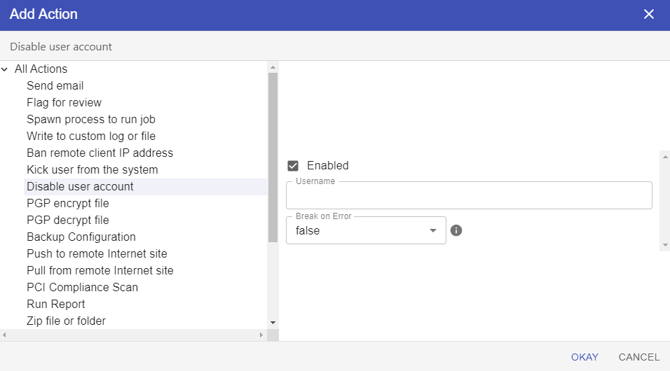
Select the “Disable User Account” action and click Okay button.
Next Steps
- Click on Next.
- Give the event a name, a description and make sure the “Enabled” check box is checked.
- Click on Next.
- Click on Create.