
To ensure the Titan Server starts automatically when the PC boots up, follow these steps:
Steps
Open Services Management by pressing Windows Key + R and type services.msc and press OK.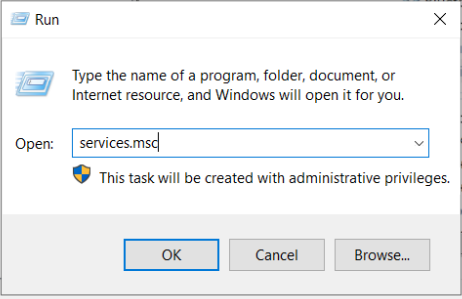
In Services application, search for Titan Server Services (e.g., Titan SFTP Server or Titan MFT Server) and right-click it, and select Properties.

In the Properties window, select Startup Type and click OK.
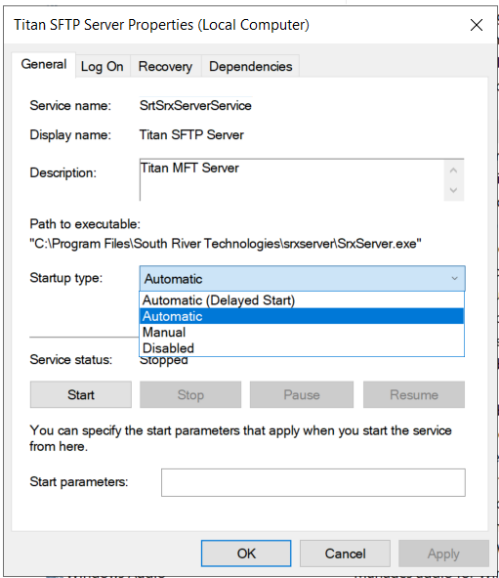
Automatic – Automatically start when PC starts.
Manual – Manually start by user
Disabled – Disabled the services.
Restart the PC/Server to test.