
In Titan SFTP Server, you can configure an event to trigger before download action. You can specify a condition for certain file types and terminate any subsequent actions therefore restricting the download of such files.
Steps
- Navigate to the Events section and click on the “+” icon.
- Click on Before Download/Read event:
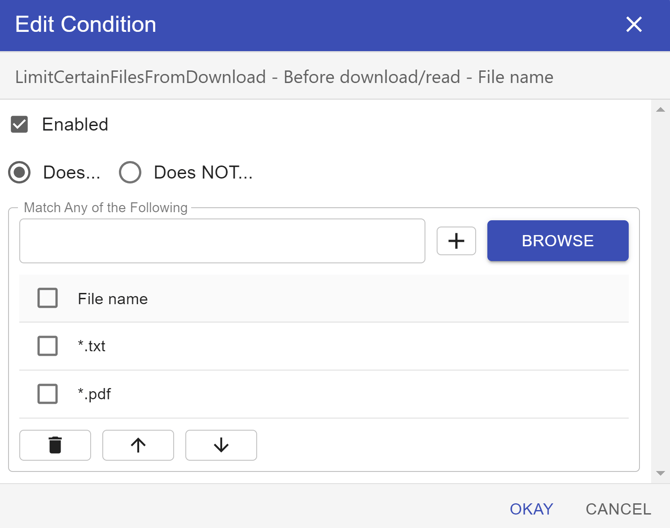
- Add a File Name condition and add the file types you wish to restrict.
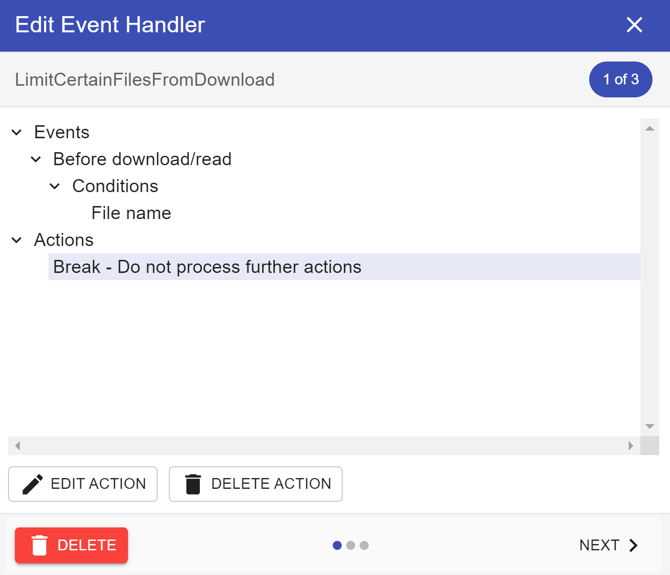
Add the “Break” action as seen below to stop any subsequent processing.
Click on Next and give the event a name and save the event